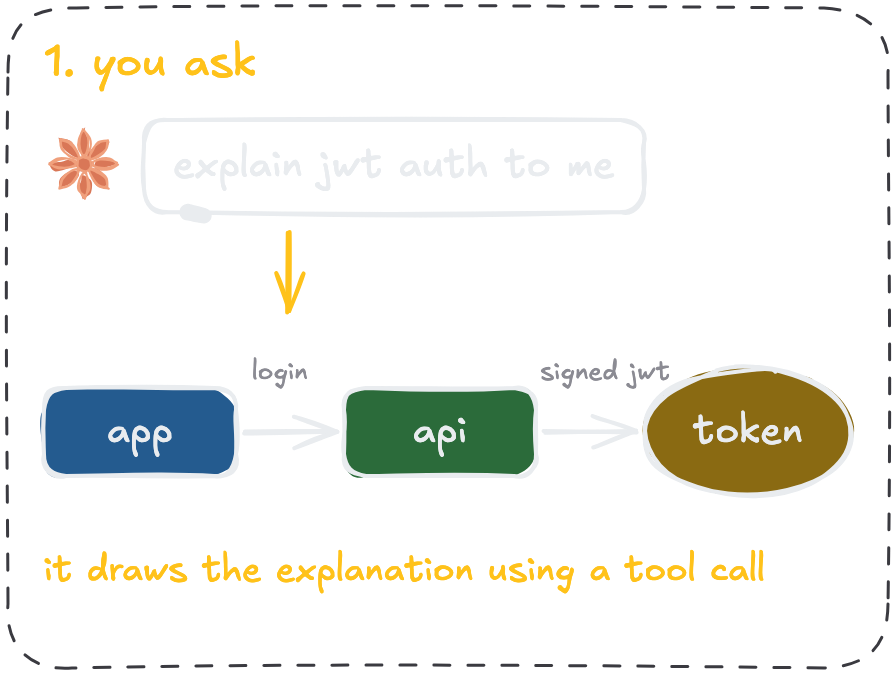
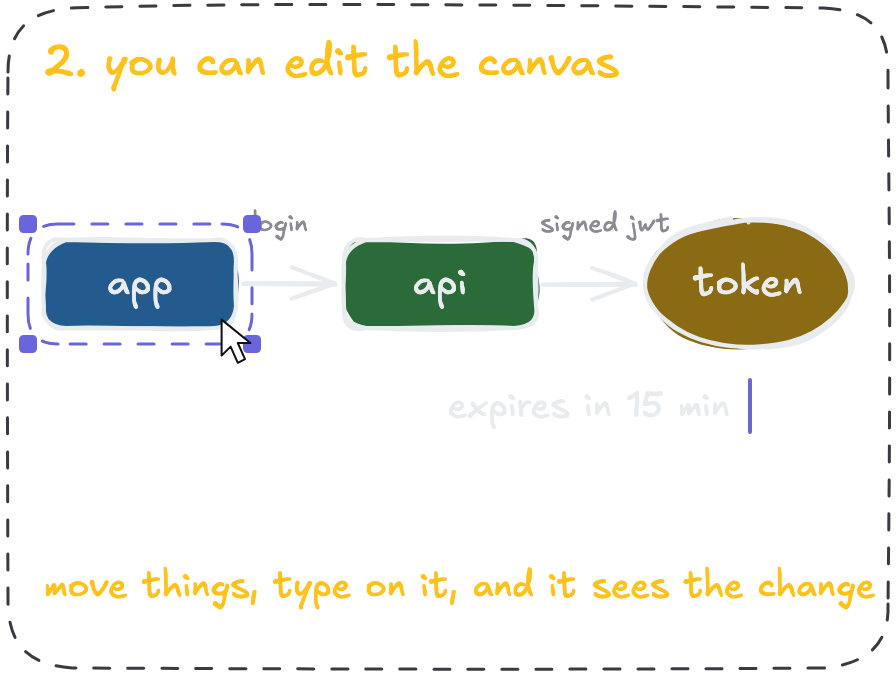
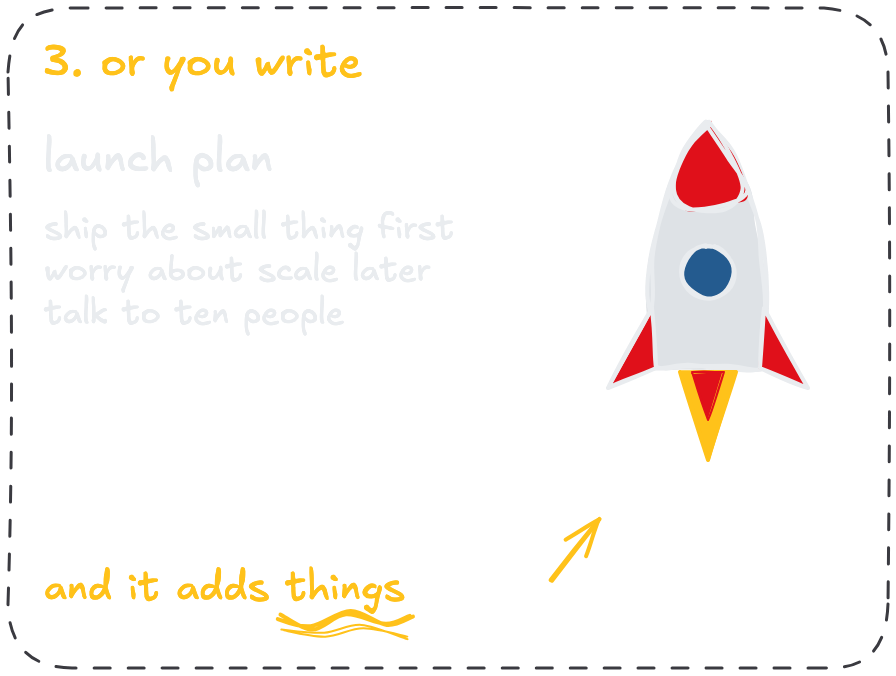

Get AI to draw hand-drawn diagrams while it explains something, on a canvas you can keep editing.
claude mcp add --scope user sketchdex -- npx -y sketchdex
 Add to Cursor
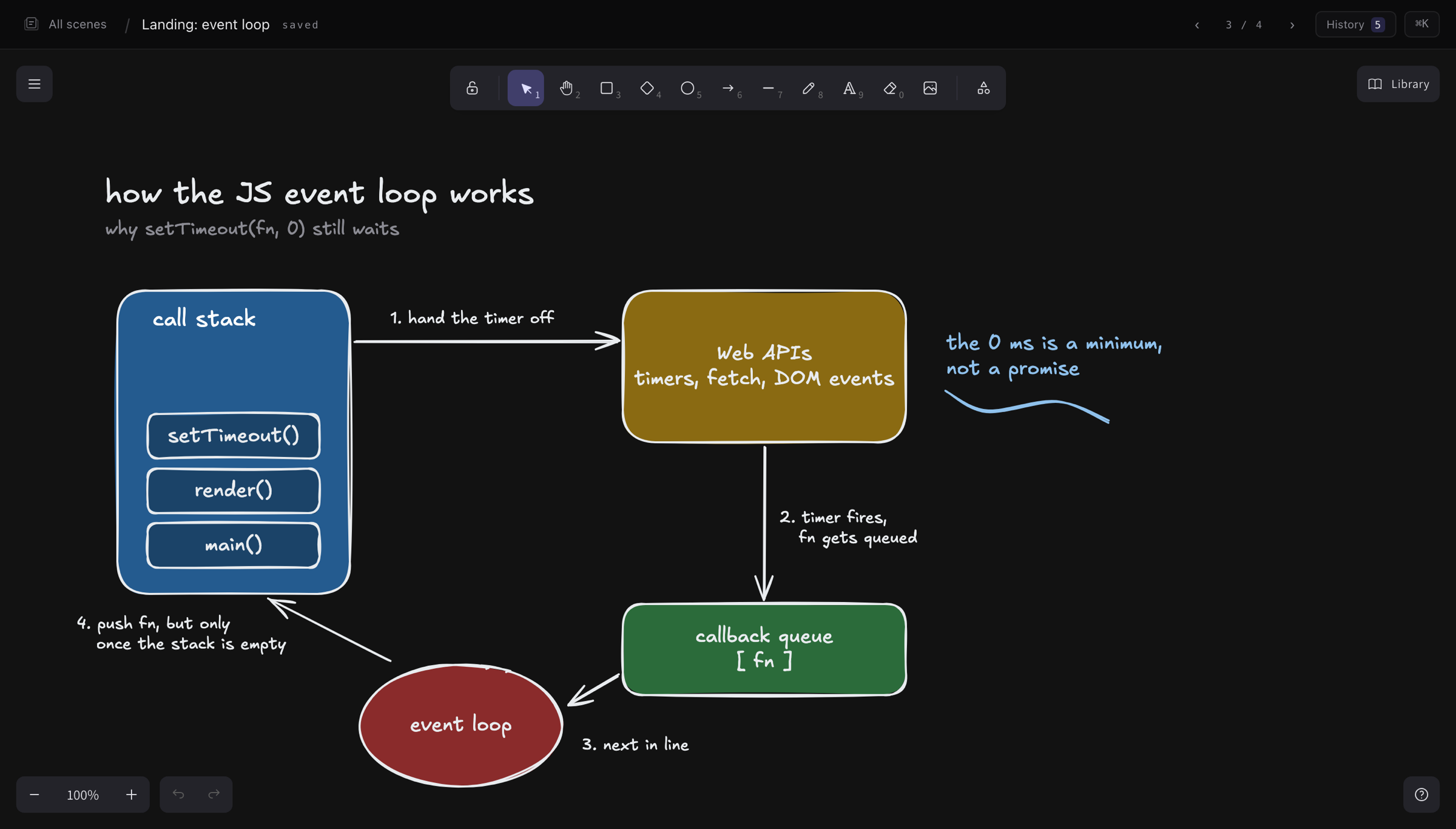
Ask an agent how something works and you get a wall of text. Ask it to draw it and you get a drawing you understand, on a canvas you can keep editing.
A request for the feed starts in the browser and is routed to the nearest CDN edge, which checks its cache. Roughly 80% of requests are served from there and go no further. On a miss, the edge forwards the request to the API tier, which currently runs as three Node pods behind the load balancer. The API performs read-only queries against Postgres directly for anything that doesn't mutate state. Writes take a different path: the API publishes a job onto the queue and returns immediately, and a pool of workers consumes the queue and performs the actual writes, which is where most of the latency accumulates under load, and is also why adding API pods has had little effect on…

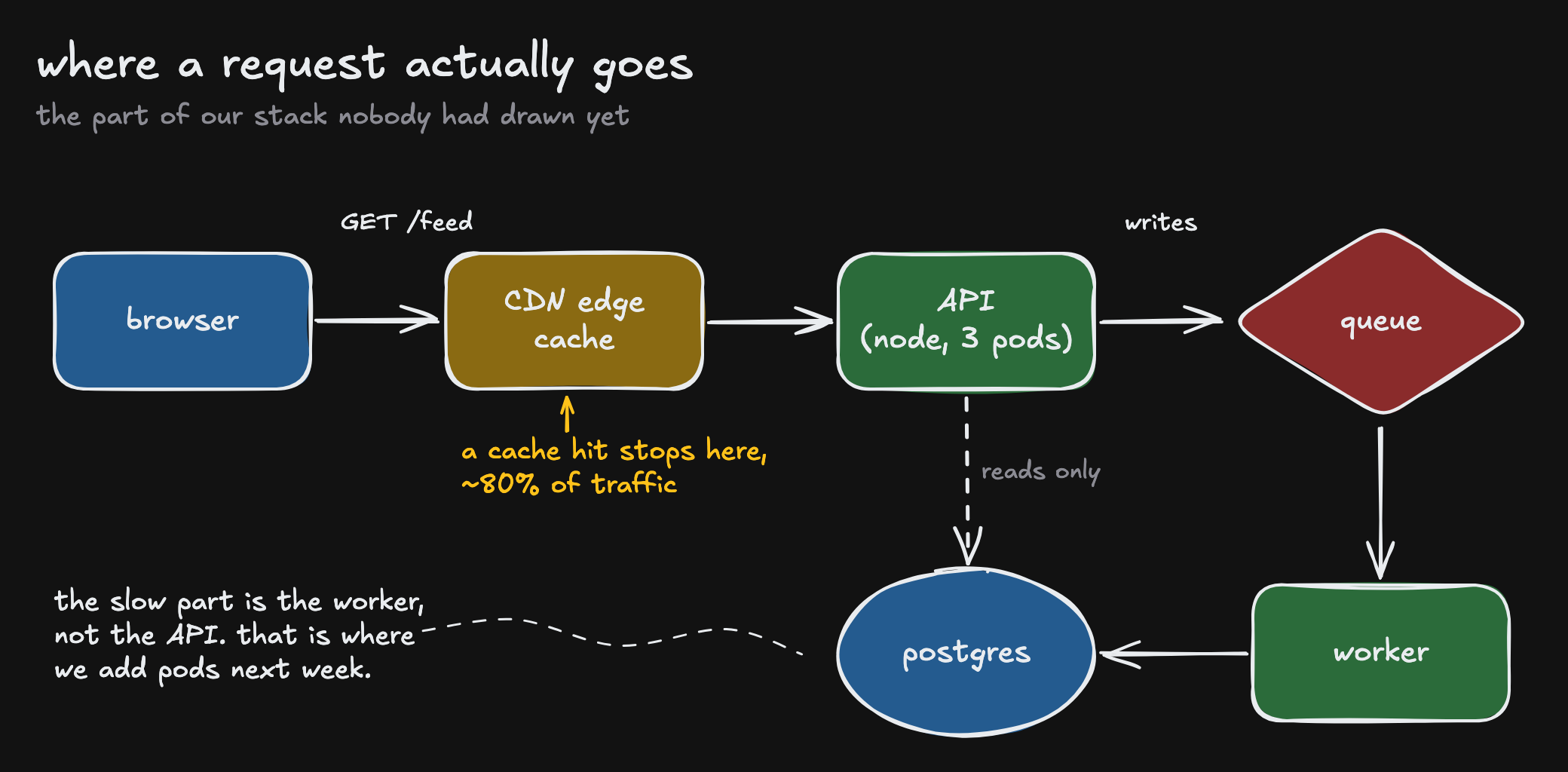
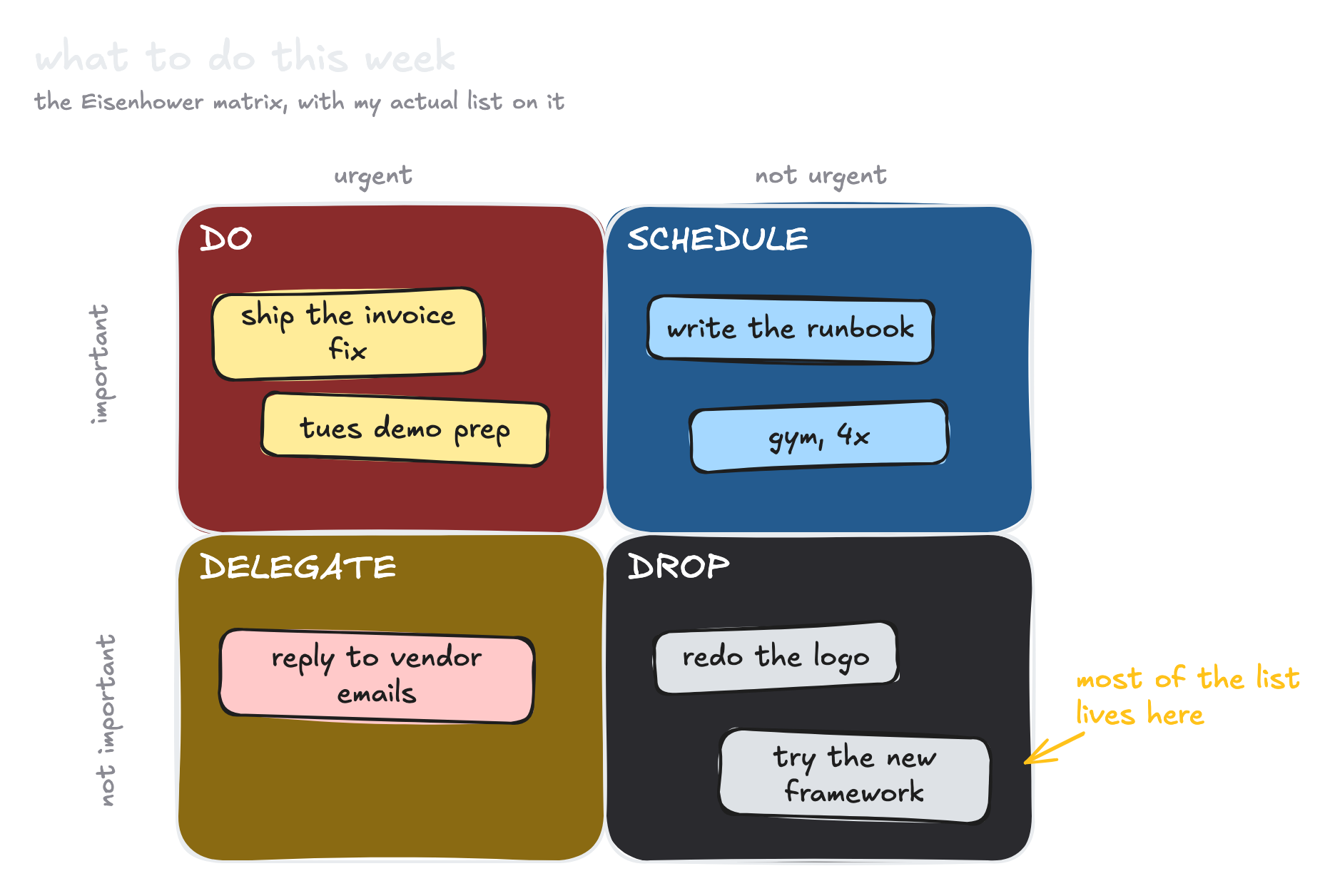


It can work with the whole canvas. Read, add, edit and arrange elements, render the result, check the layout and restore earlier snapshots.
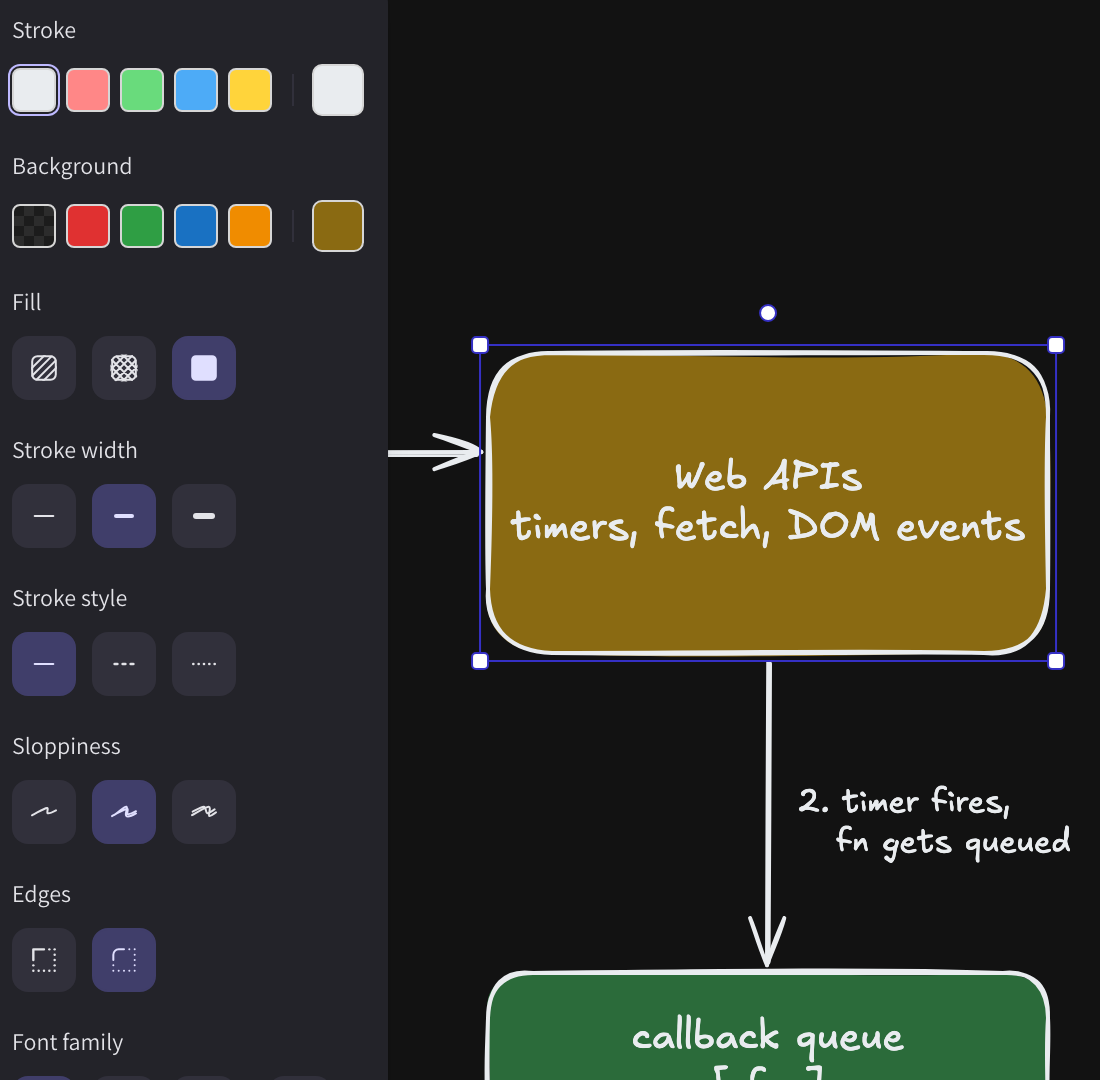
everything the agent draws is an element that you can grab and change
Run npx sketchdex app to open the interface. There is no account needed and everything runs locally.
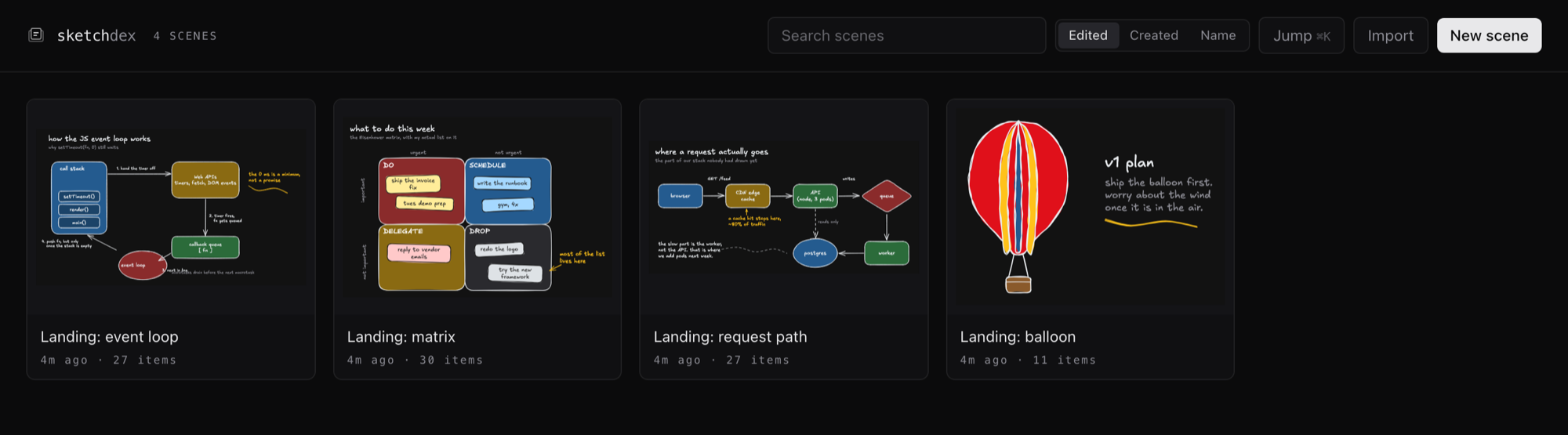
browse your scenes and start new ones from the library
Needs Node 20 or newer, and Chrome, Edge or Brave on the machine for rendering.
npx sketchdex app opens the library: search, history, live reload while the agent draws.~/Documents/sketchdex. Add --vault to point it anywhere, iCloud and Dropbox included.one command, registers it for every project
claude mcp add --scope user sketchdex -- npx -y sketchdex
one command, or the same block in ~/.codex/config.toml
codex mcp add sketchdex -- npx -y sketchdex
Add to Cursor
one click, then Install in the dialog
or in ~/.cursor/mcp.json (global) or .cursor/mcp.json (this project)
{
  "mcpServers": {
    "sketchdex": {
      "command": "npx",
      "args": ["-y", "sketchdex"]
    }
  }
}
 Install in VS Code
one click, for Copilot's agent mode
Install in VS Code
one click, for Copilot's agent mode
or from a terminal
code --add-mcp '{"name":"sketchdex","command":"npx","args":["-y","sketchdex"]}'
Claude Desktop, Windsurf, Gemini CLI and the rest: the mcpServers block in the client's config
{
  "mcpServers": {
    "sketchdex": {
      "command": "npx",
      "args": ["-y", "sketchdex"]
    }
  }
}
npx -y sketchdex docs install has the exact file and path for each one.
or let your agent do it